
Roarer app screenshots
Real screens from Roarer, the free iPhone workout tracker built around multi-week programs. Every image is taken from the app as it is today.
Download on the App Store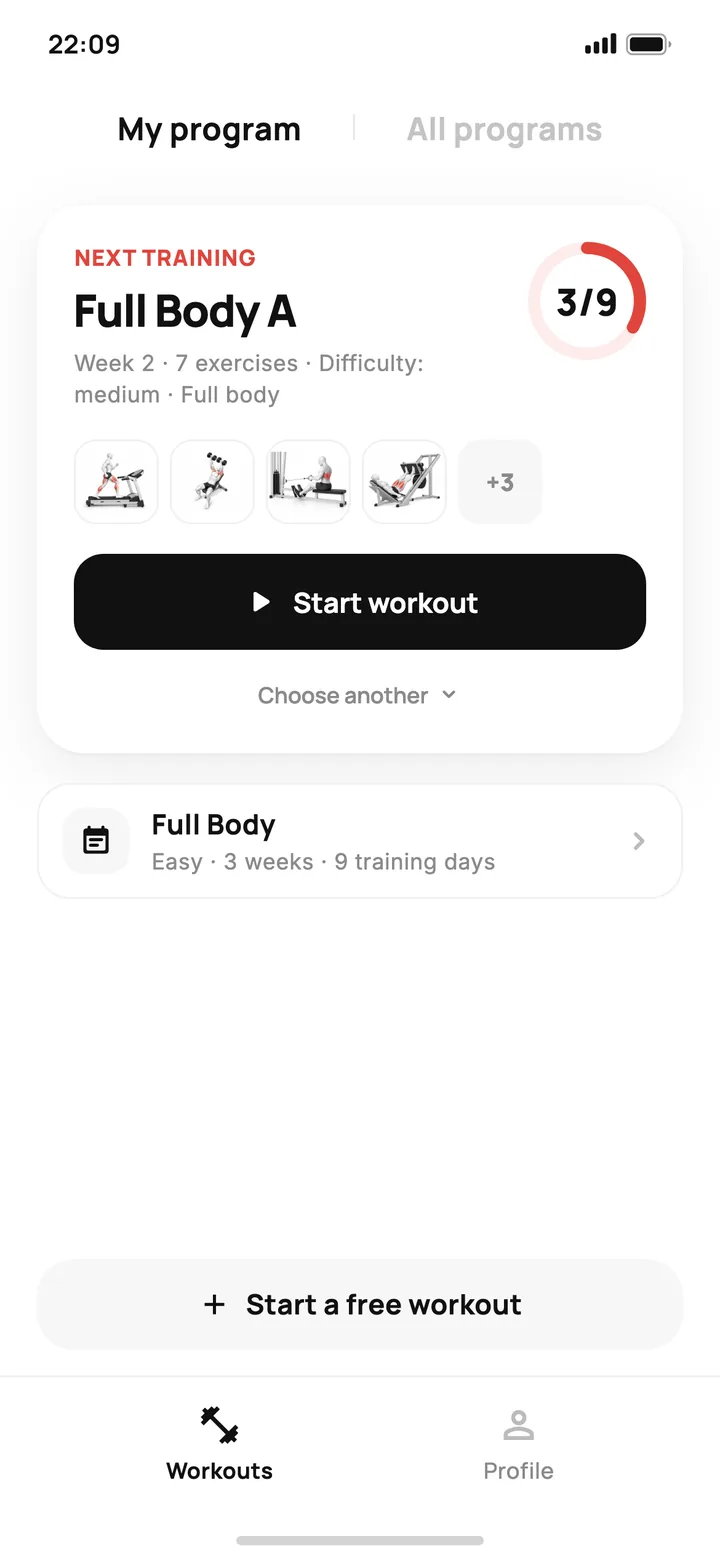
Your next workout
The home screen shows the next workout of your active program and where you are in the plan, so you can start in one tap.
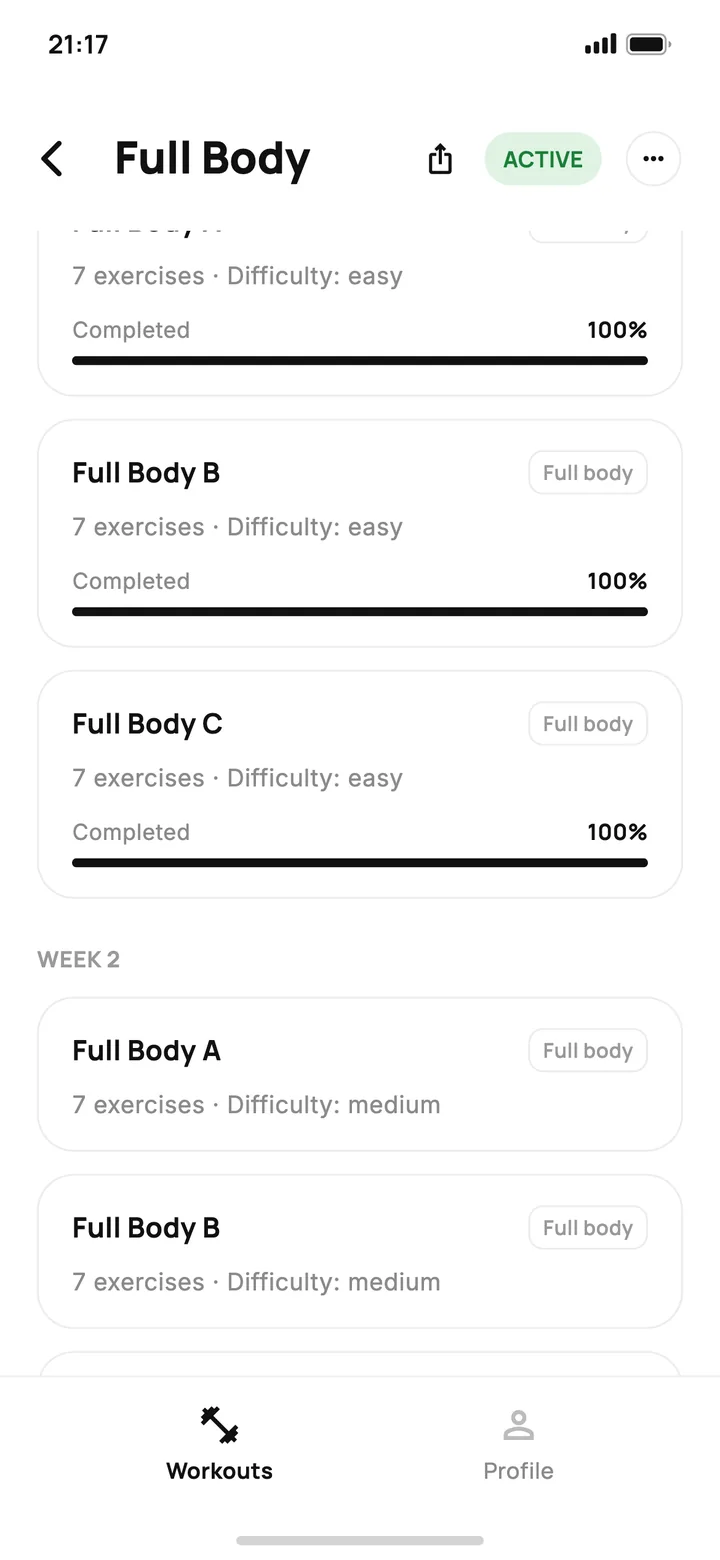
A program, week by week
Programs have weeks and training days. Finished days are marked, and you always see what comes next.
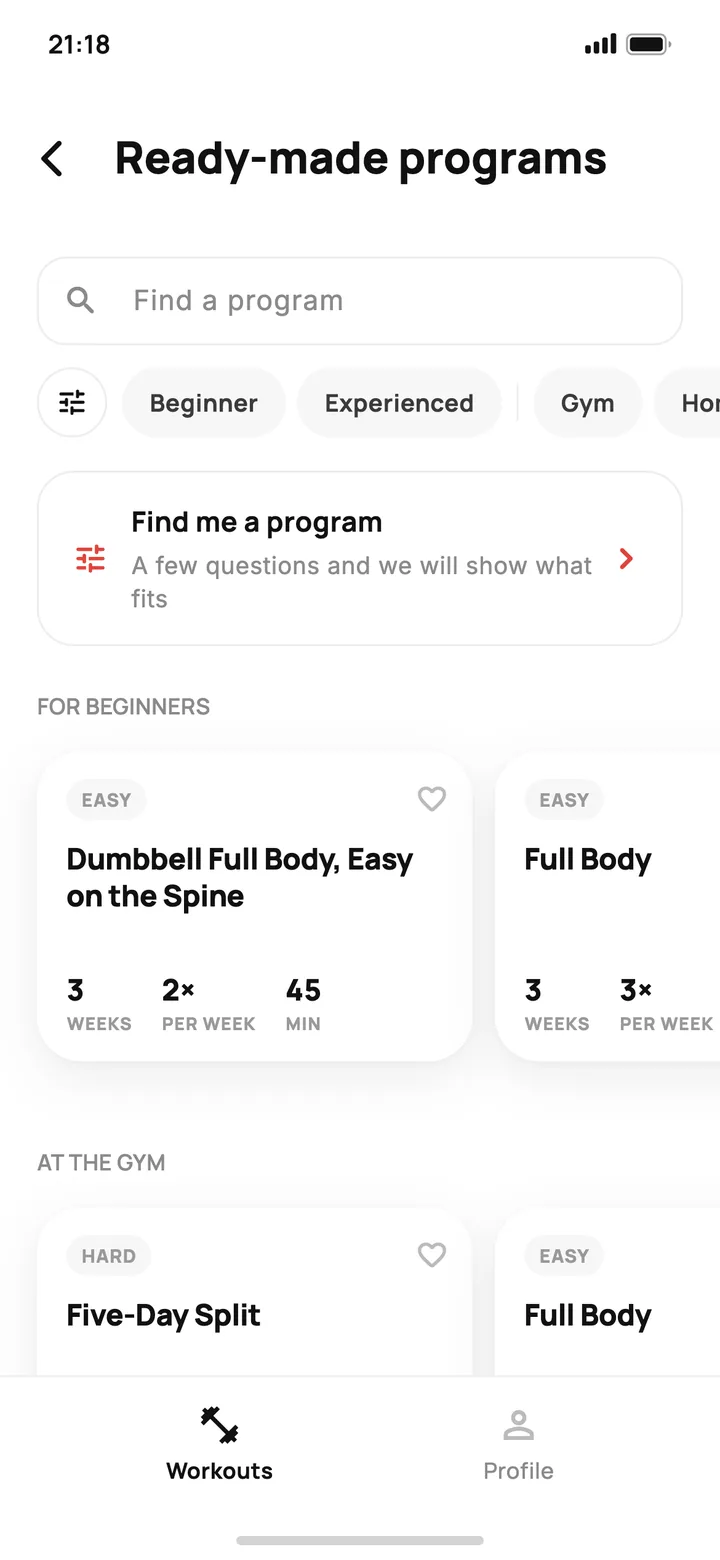
Ready-made programs
Pick a program for your level and place, at the gym, at home or outdoors, then edit it as you like.
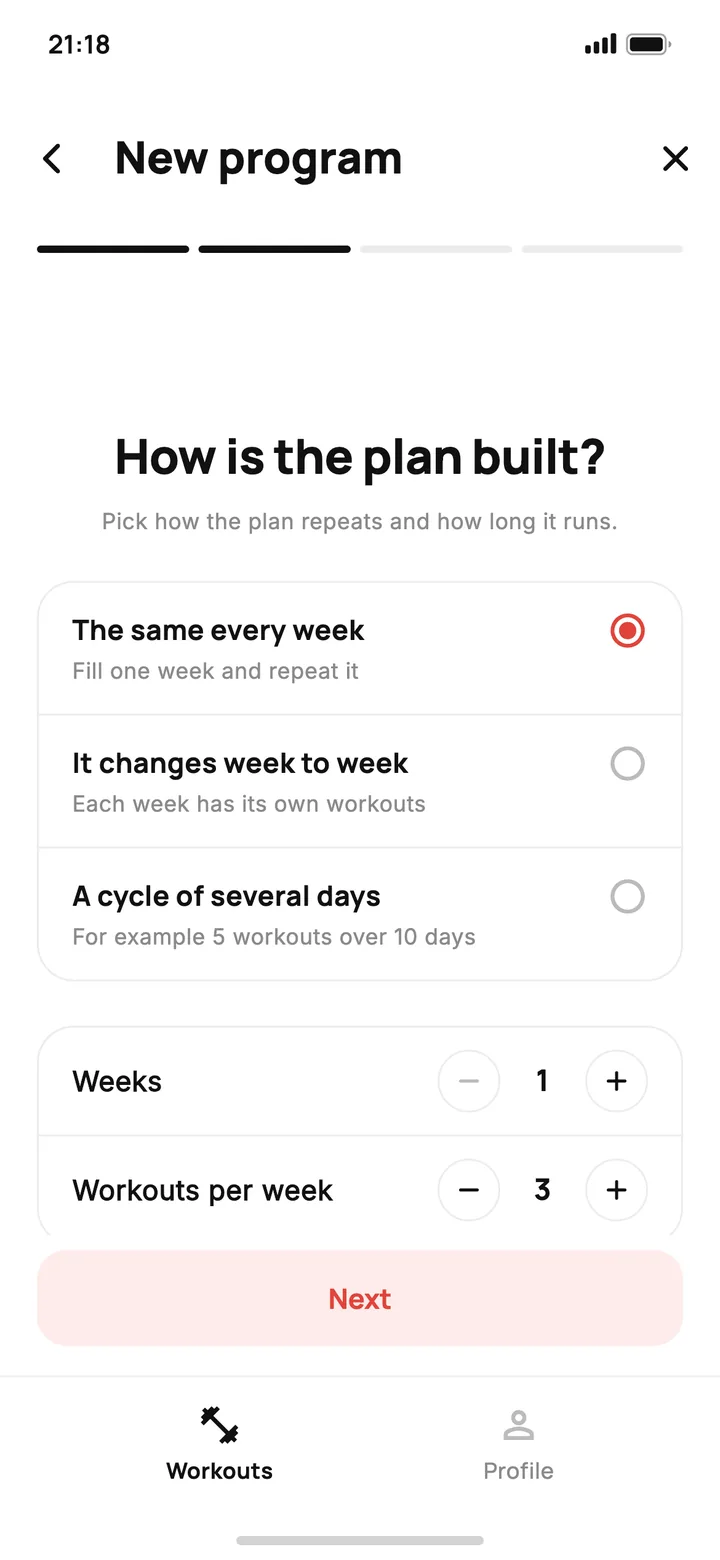
Build your own program
Choose how the plan repeats: the same every week, changing from week to week, or a cycle of several days.
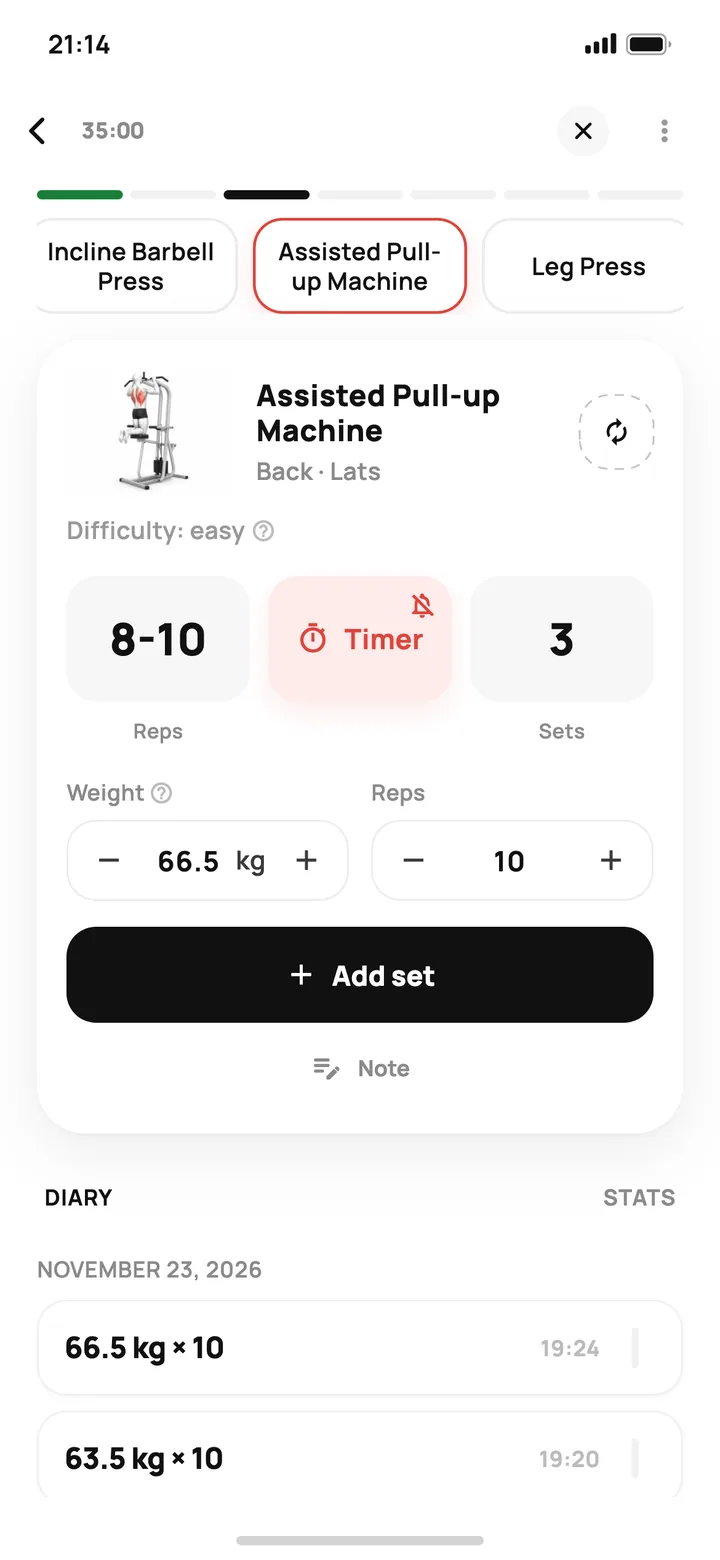
Last time's numbers, already there
During a workout the weight and reps from your previous session are ready, with a rest timer and a diary of past sets.
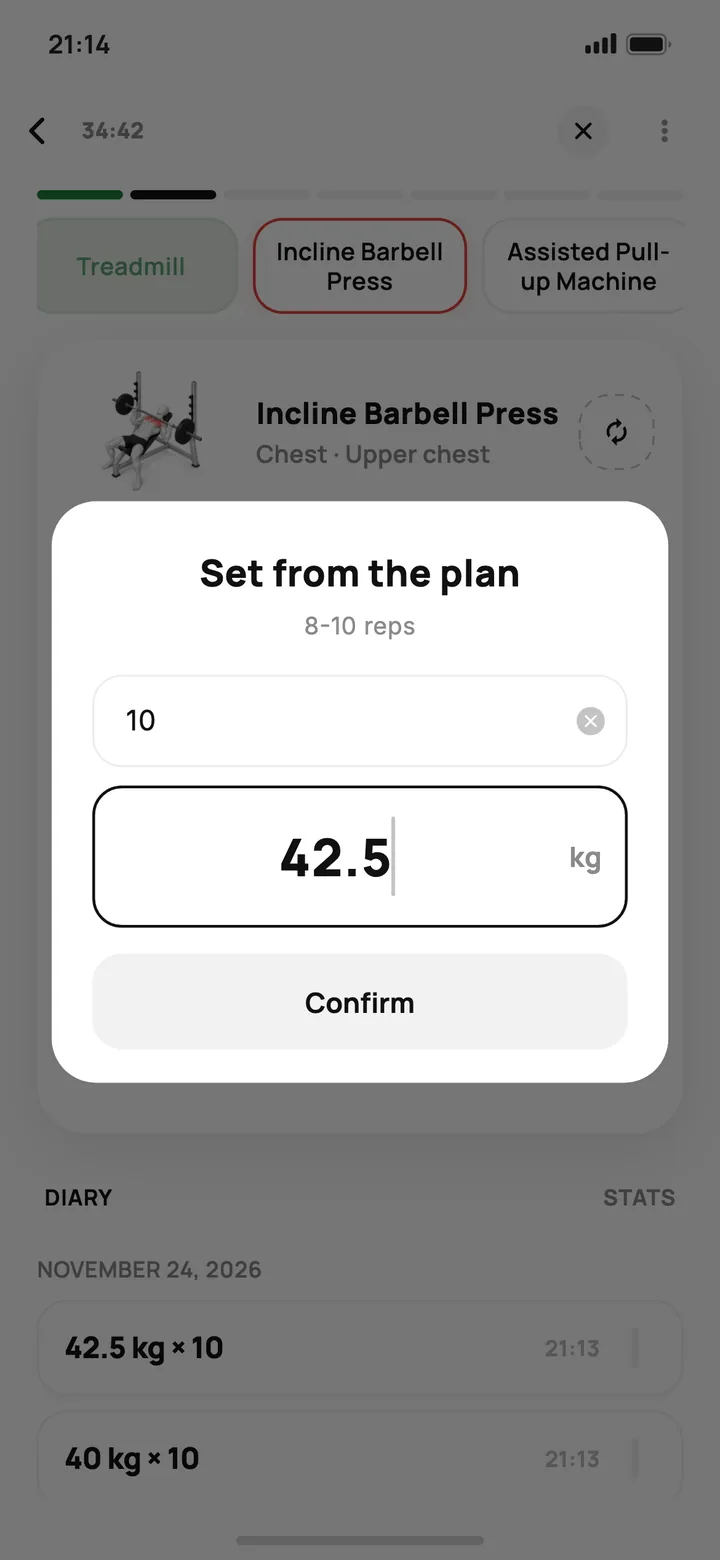
Log a set in seconds
Confirm the planned weight and reps or change them, and the set goes straight into the workout.
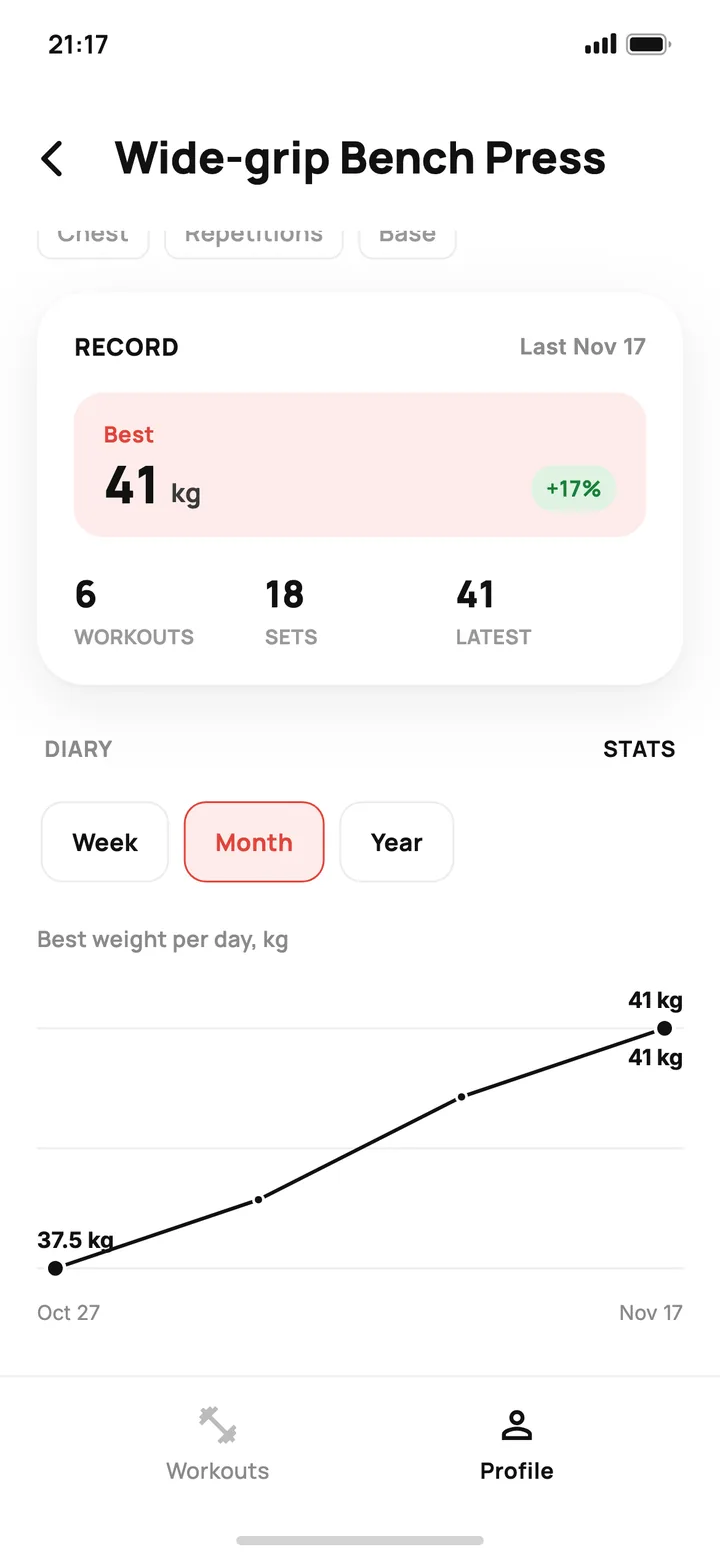
Progress for every exercise
Each exercise has its record, history and a chart of your best weight by week, month or year.
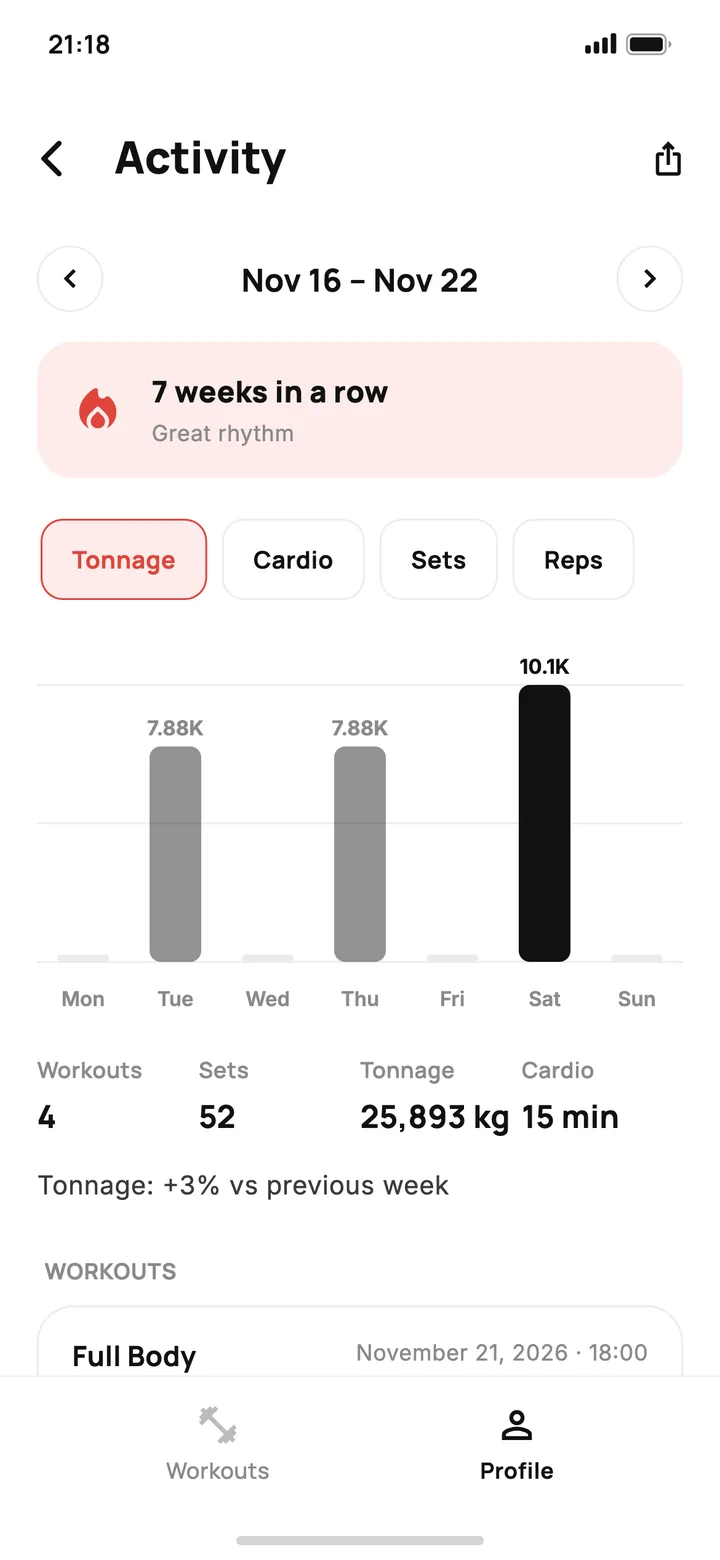
Weekly stats
Tonnage, sets, reps and cardio for the week, your streak of training weeks and the change from the week before.
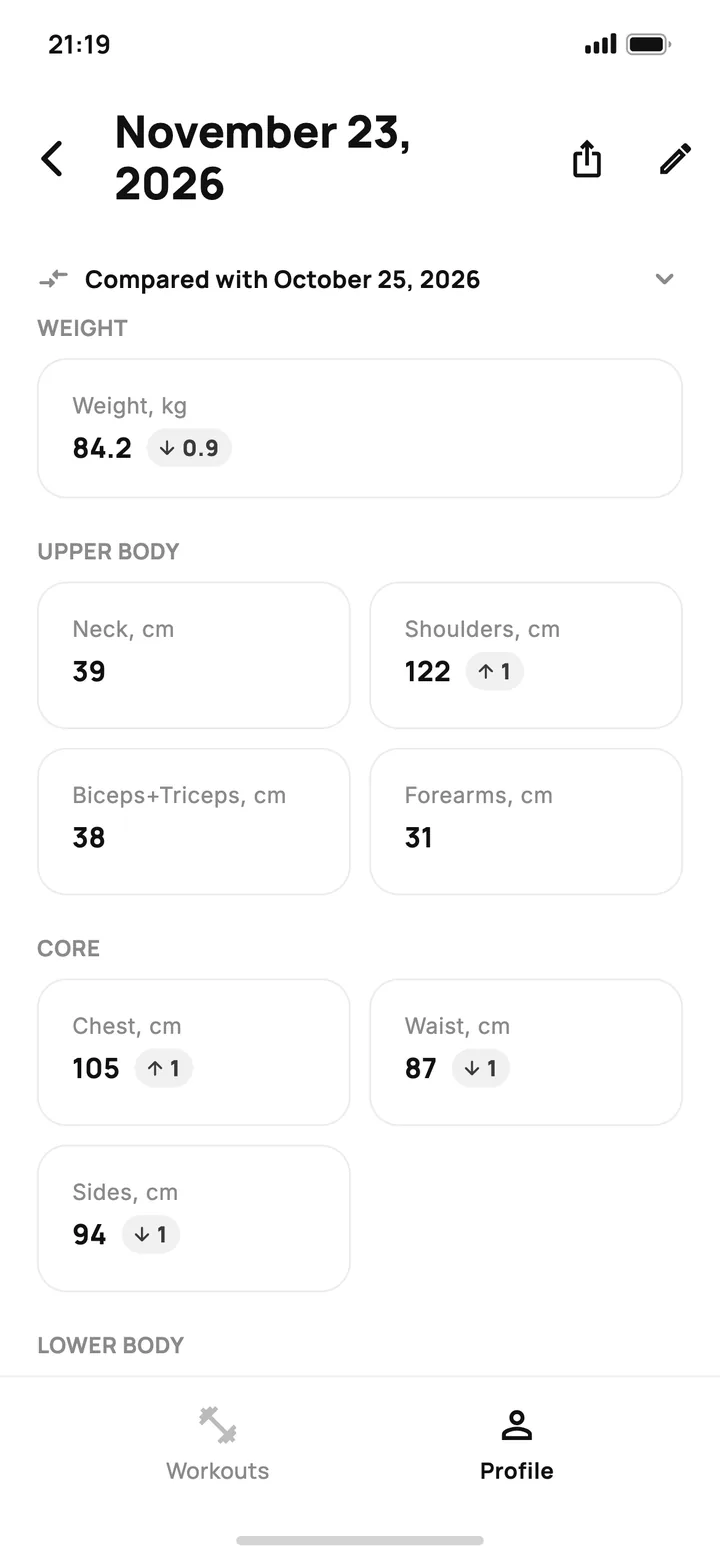
Body measurements
Weight and ten circumferences, plus your own fields, compared with any past date.
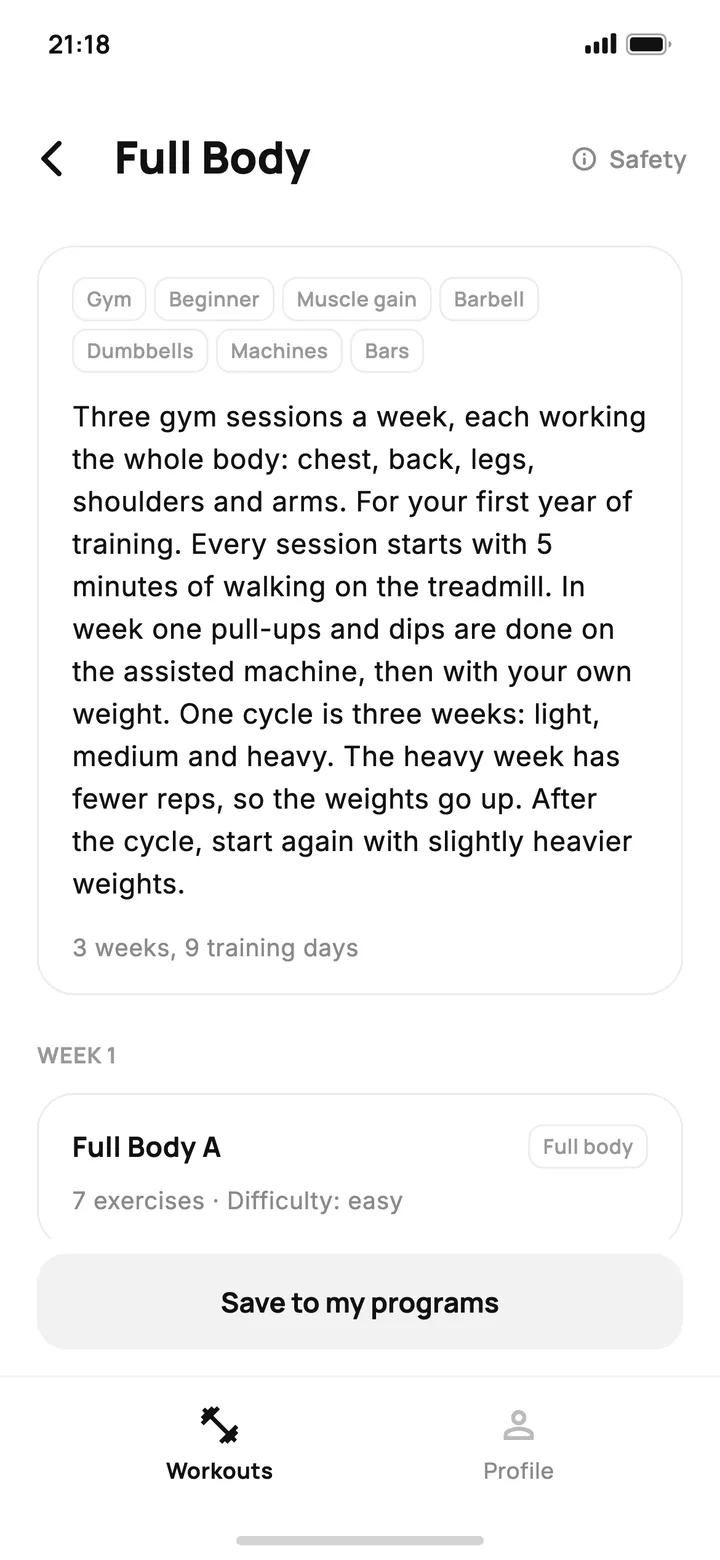
A program someone shared with you
Open a program from a link and save your own copy. A coach can write one plan and send it to every client.
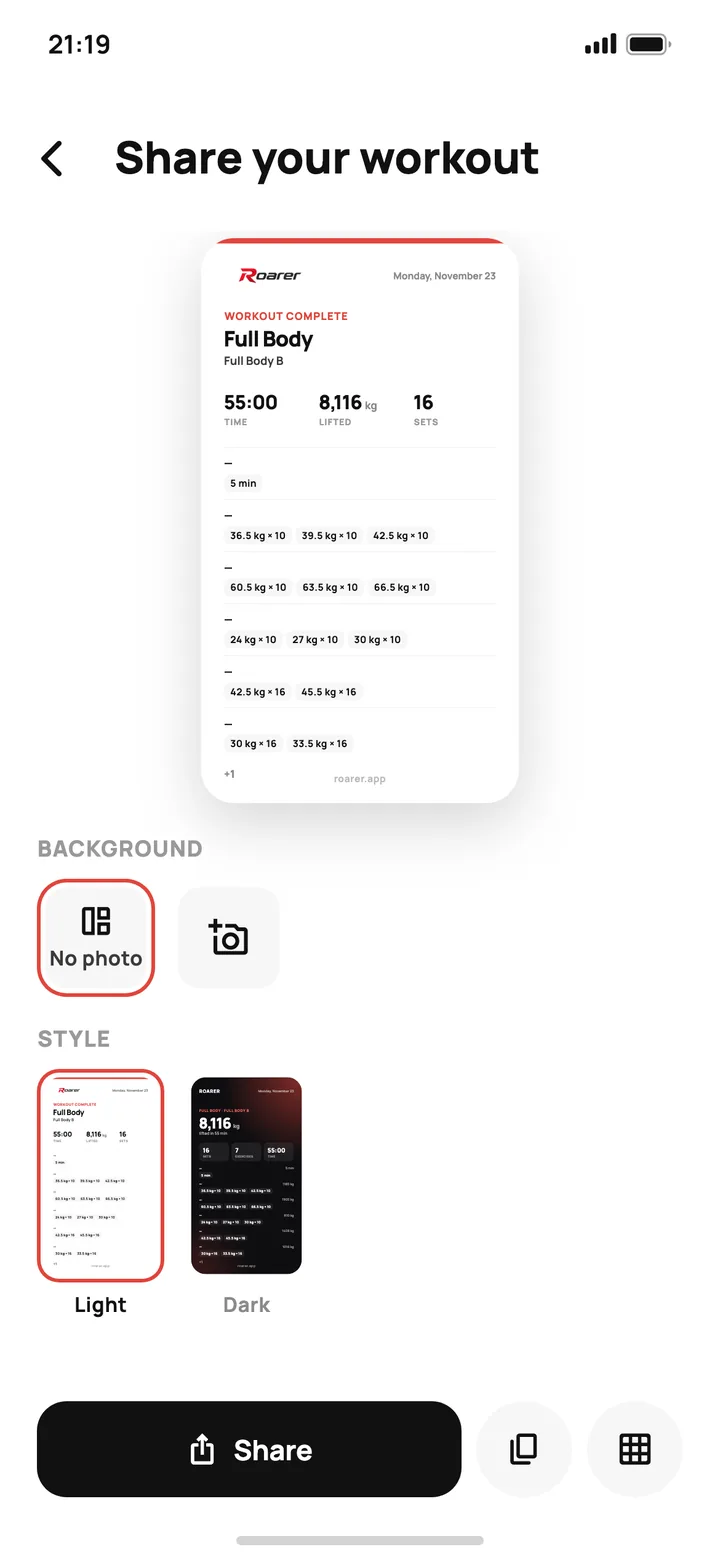
Share a workout
Turn a finished workout into a light or dark image, or copy it as text or CSV.
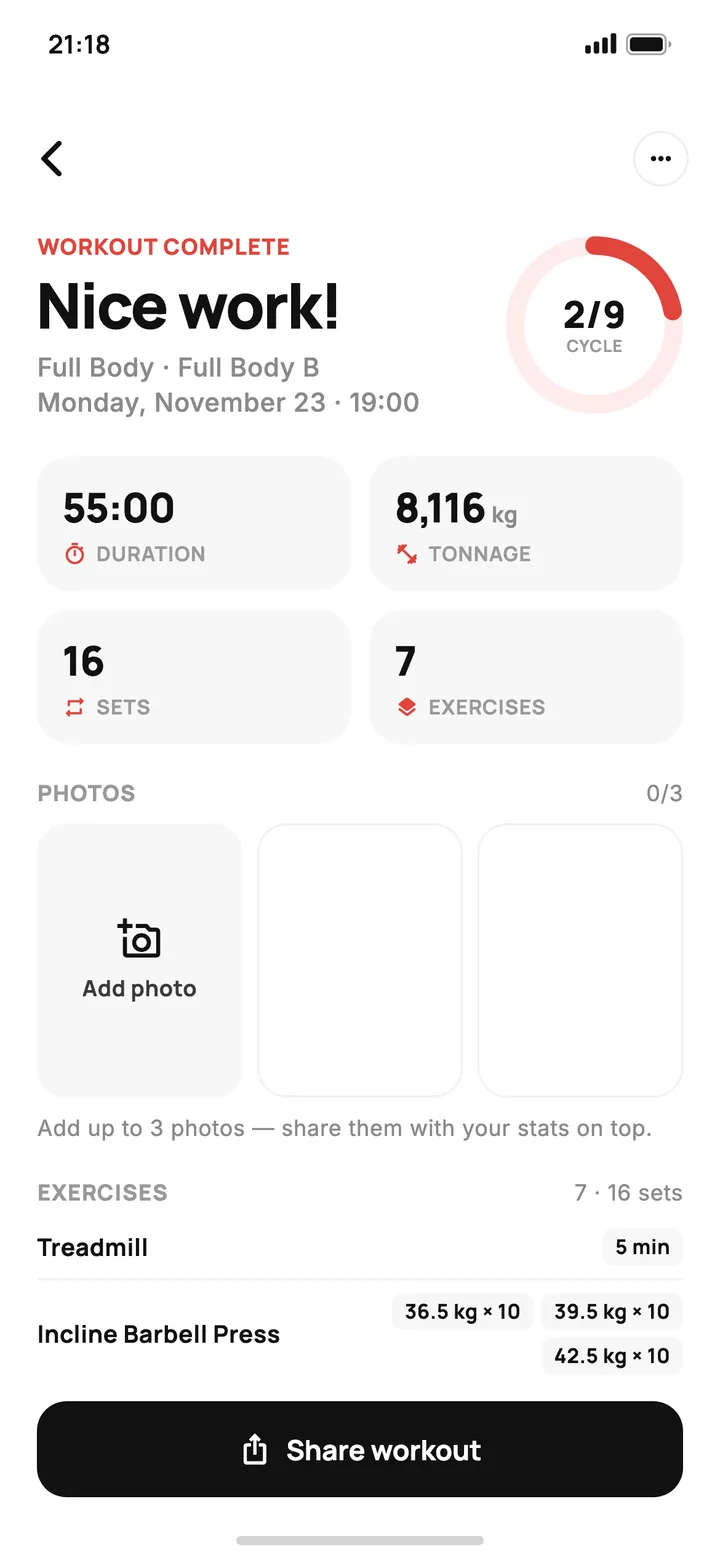
Workout summary
After a session you see the duration, tonnage, sets and exercises, and can add up to three photos.
Not on these screens
Connect Roarer to Claude to ask about your own training history (read-only), and import your past workouts from a Hevy CSV export. How the Claude connector works